Lavie · The beauty of life
Lavie AI Image and Video Generator
Create art, transform photos and make short clips with our AI image and video generator.
Loading your studio…
More options
Loading image models…
Follow the content rules and review your result before sharing. Acceptable Use Policy
Give your photos a new direction
One photo. So many possibilities.
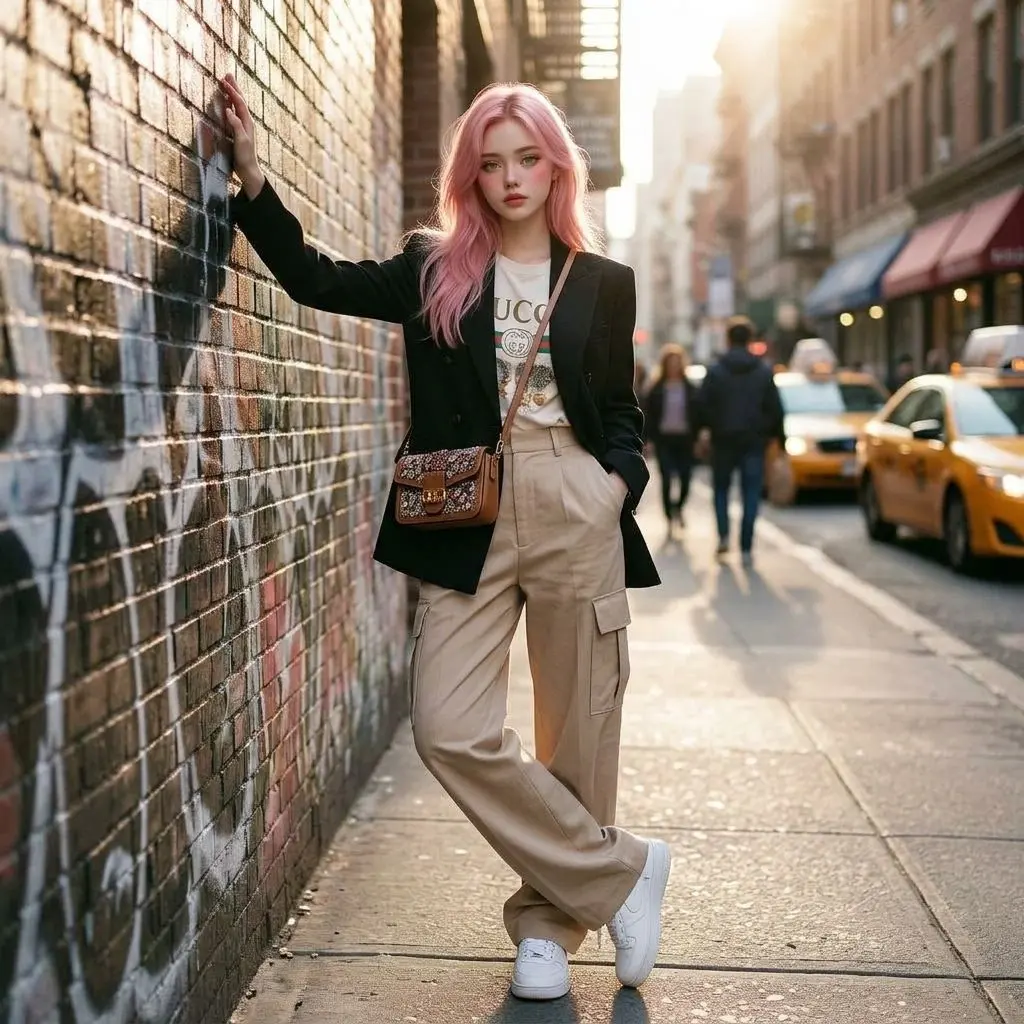
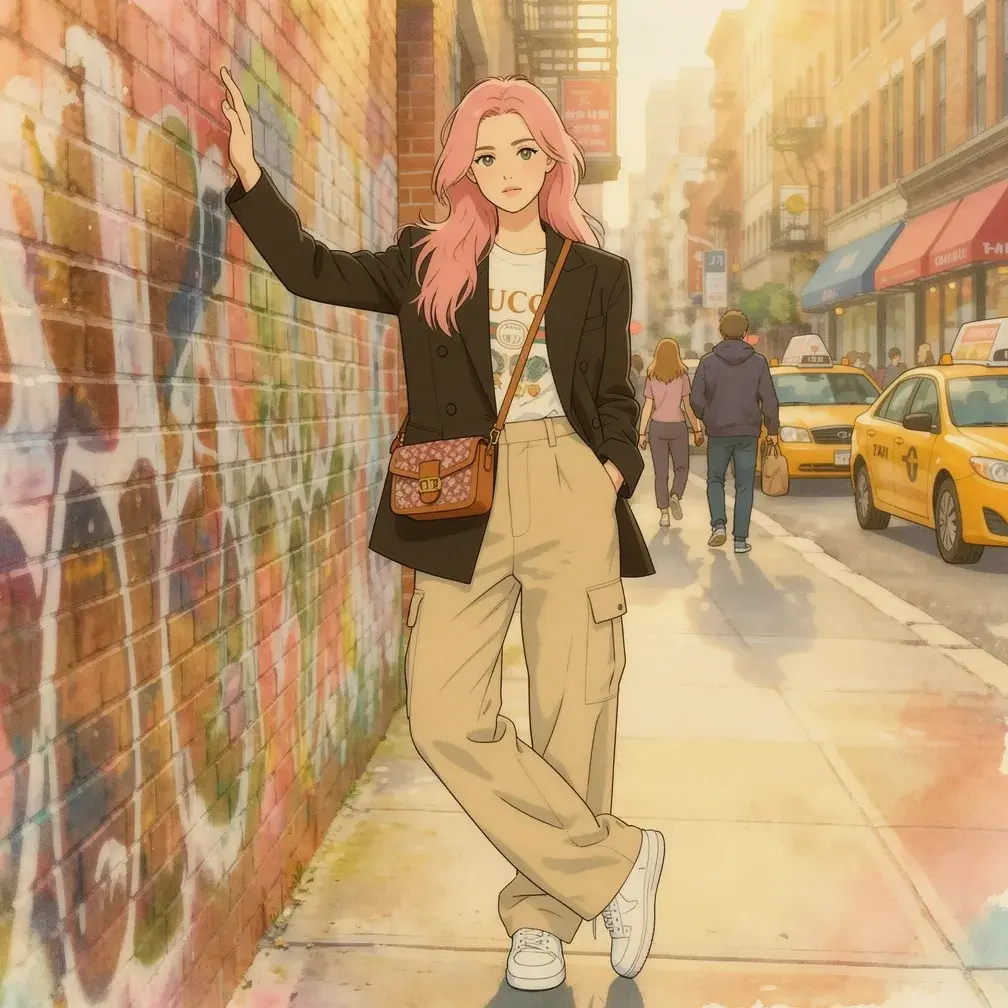
Compare the original and the creative version
Photo to Storybook Anime
Photo to Storybook Anime reimagines a portrait or scene with gentle painted color, expressive drawing and a warm illustrated atmosphere.
Photo to Storybook AnimeExamples illustrate creative directions. Your result may differ.
Browse photo styles, portraits and editing tools. Open a tool to see its uses, input guidance and important limits.
 Visual inspiration
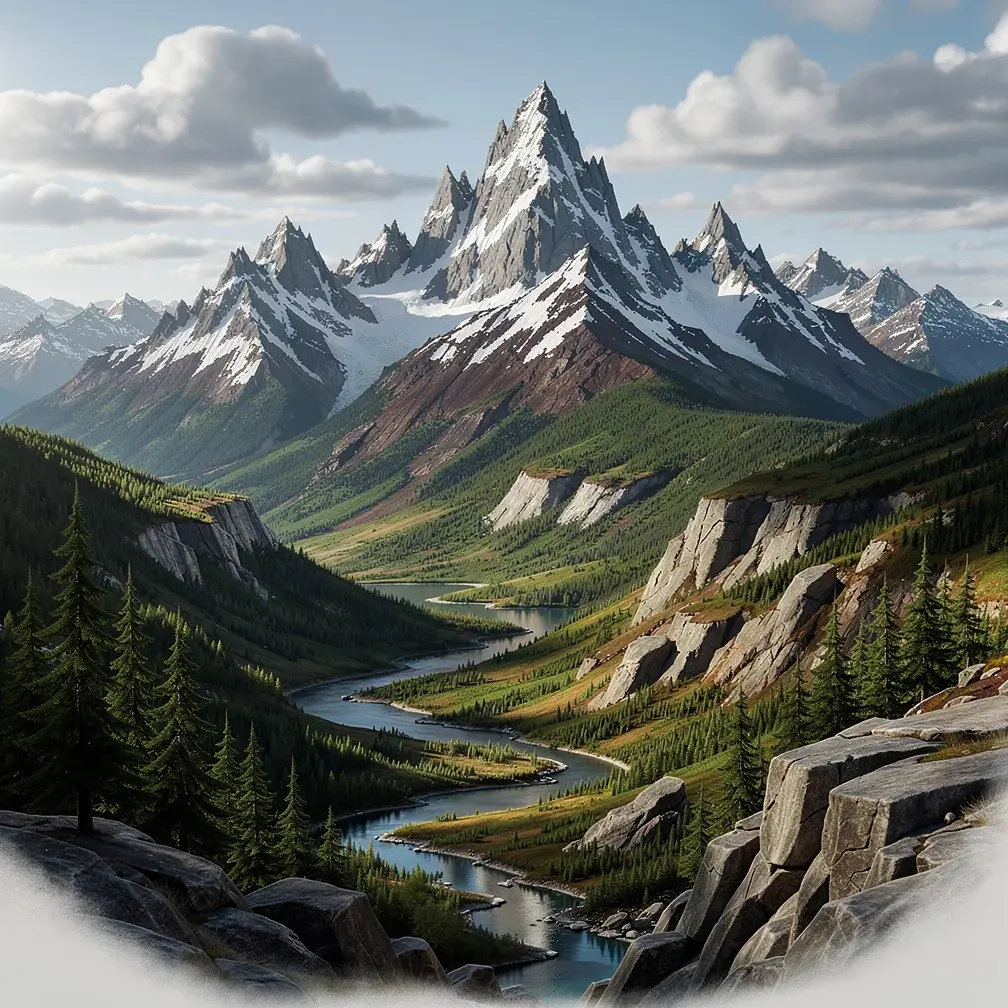
AI Image Generator
AI Image Generator turns a written idea into a visual you can review and refine.
 Reference photo
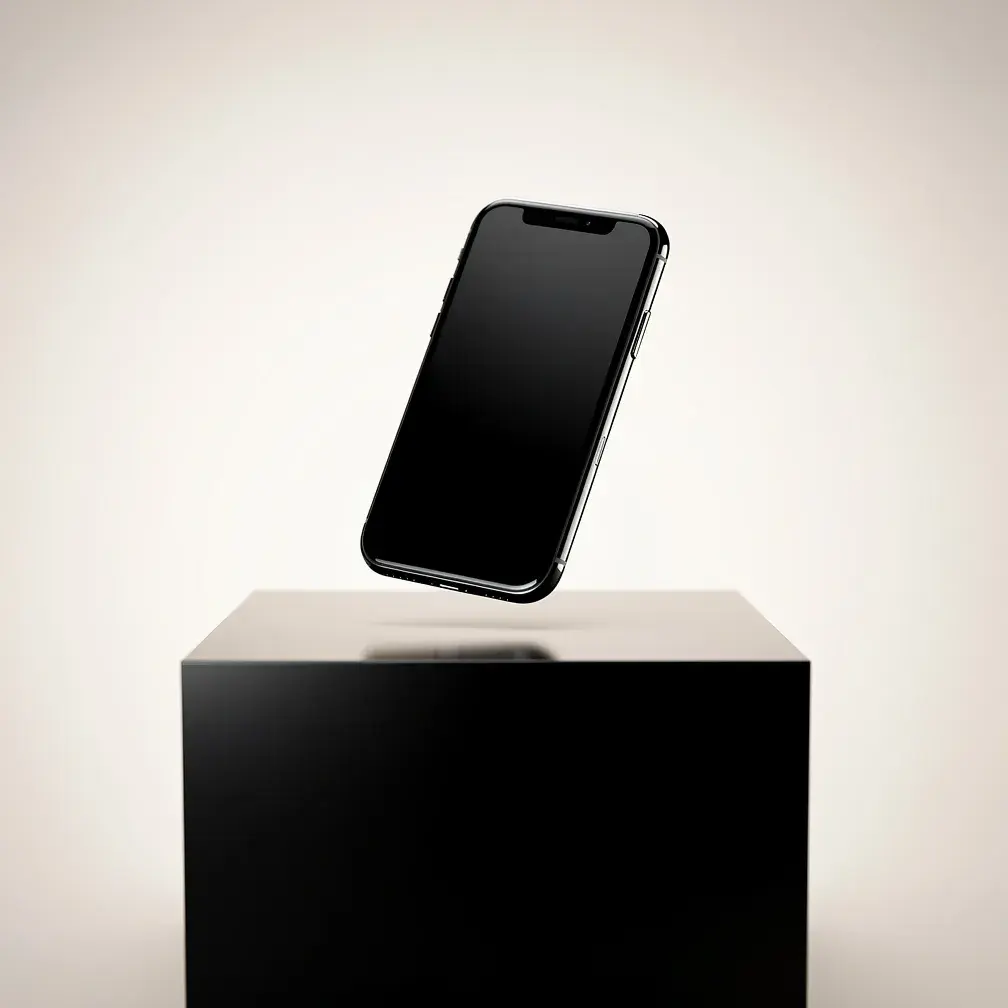
Image to Image AI
Image to Image AI turns your photo and description into a new visual variation. Explore a different style, setting or mood; fine details may change.
 Visual inspiration
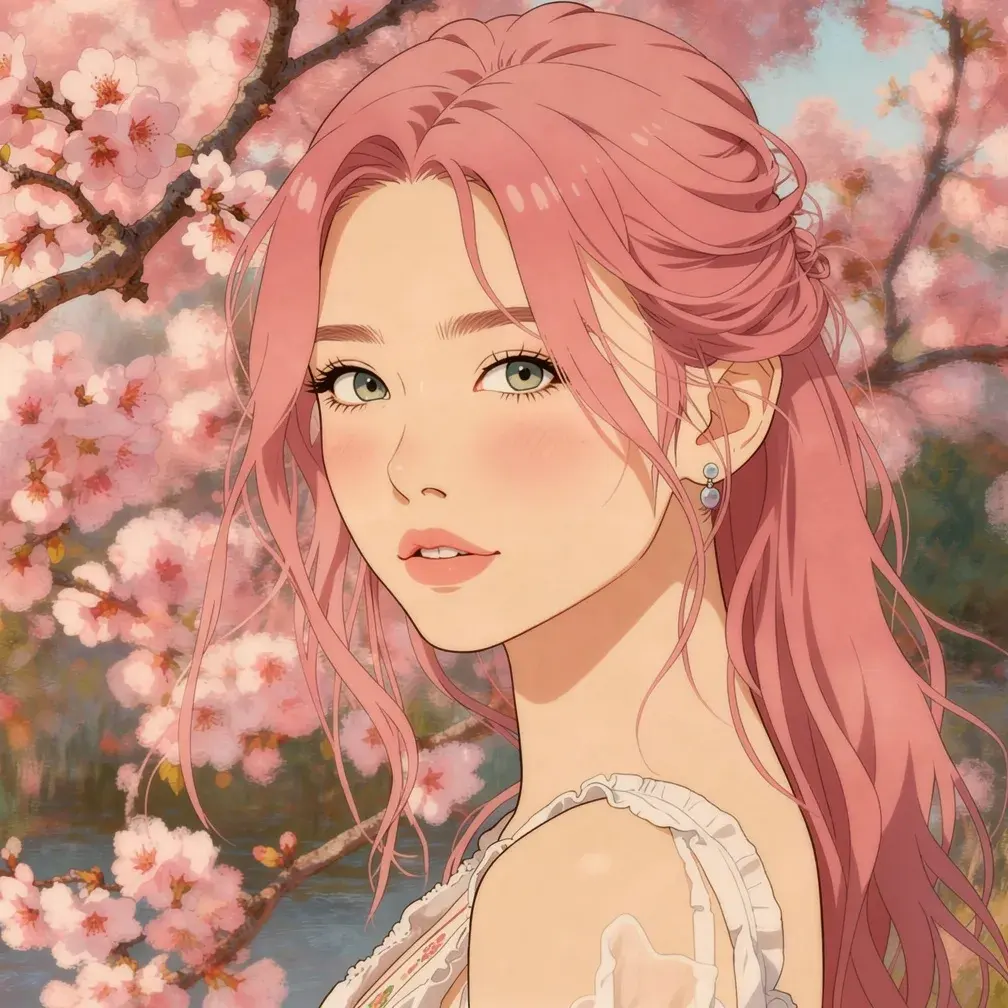
Photo to Anime
Photo to Anime reimagines a portrait or scene as an anime-inspired illustration. Explore expressive lines and color; facial likeness may change.
 Visual inspiration
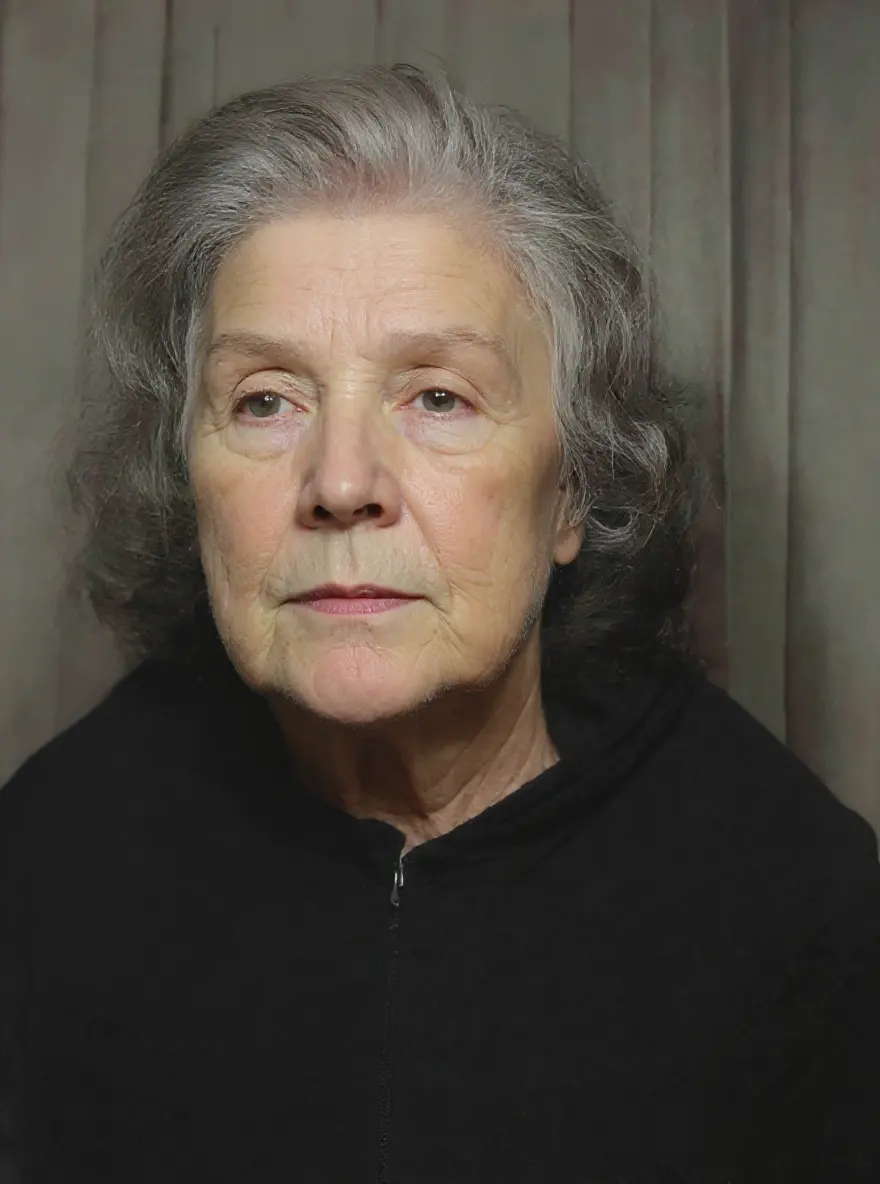
AI Photo Restoration
AI Photo Restoration creates a clearer-looking interpretation of a worn or faded photo. Missing details are reconstructed, so keep your original scan.
 Actual result
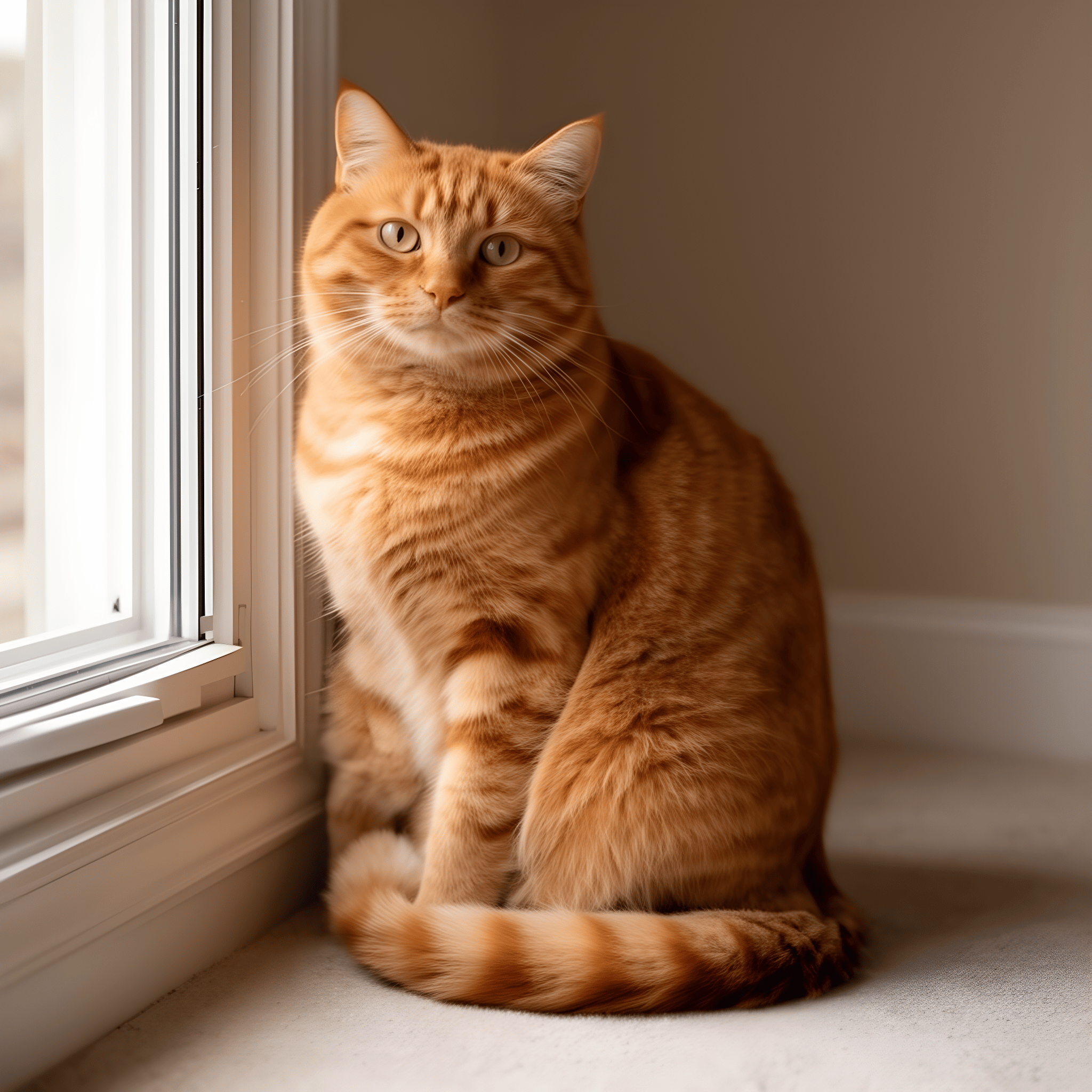
AI Image Enhancer
AI Image Enhancer doubles your image’s width and height with Real-ESRGAN. Review the enlarged details; lost information is not guaranteed to return.
 Visual inspiration
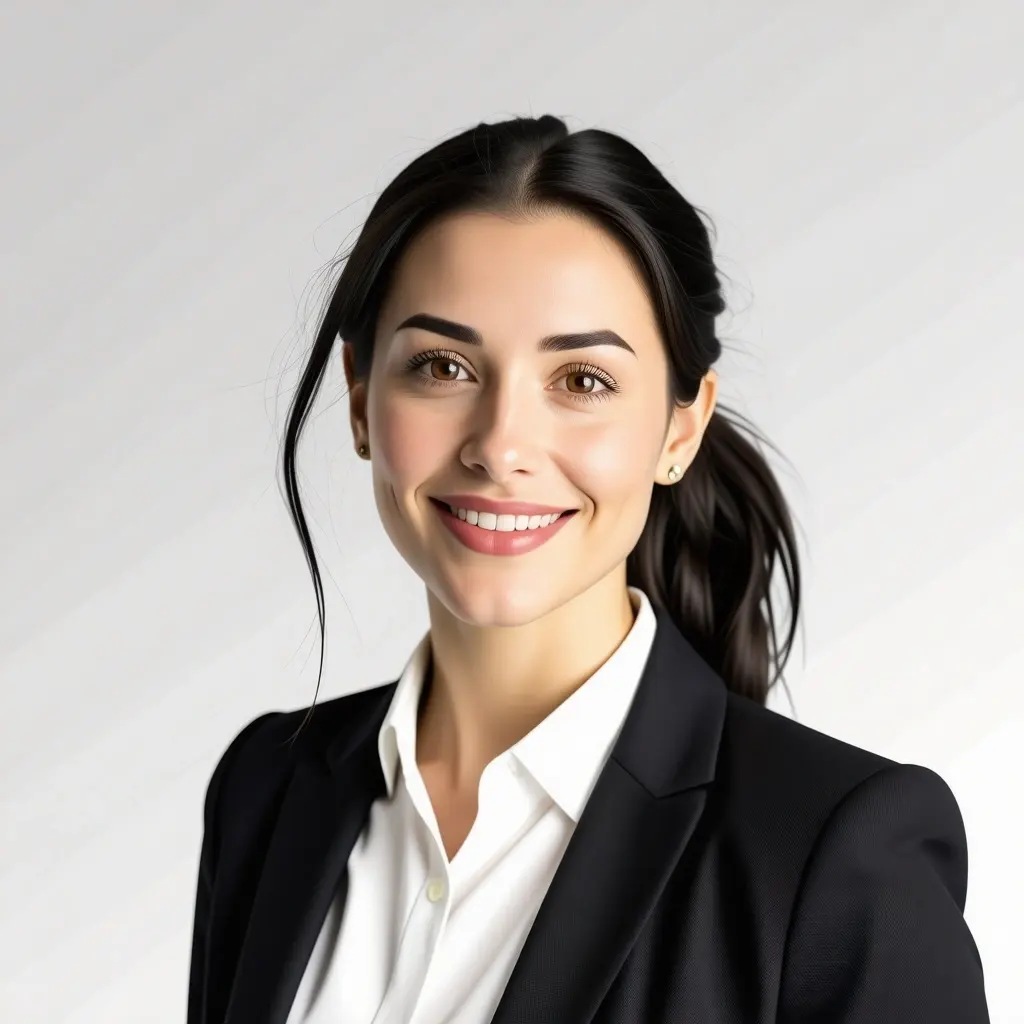
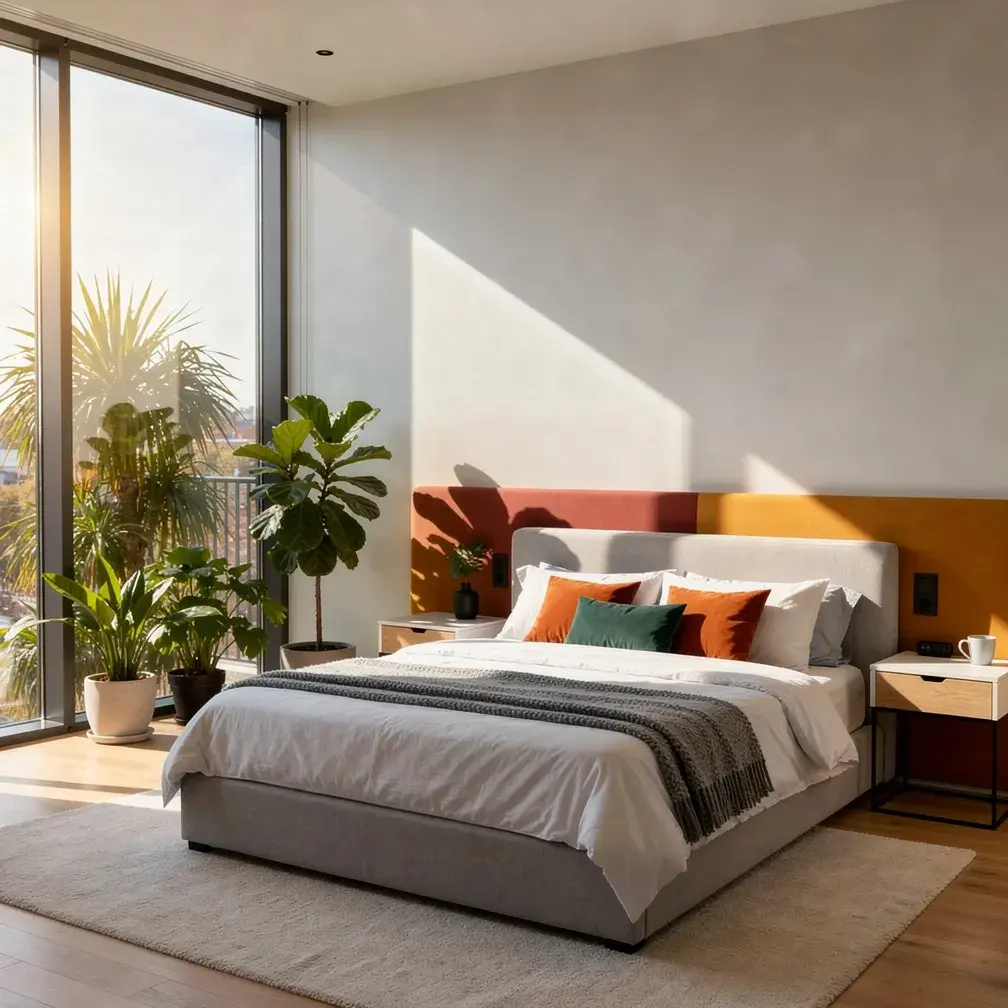
AI Headshot Generator
AI Headshot Generator reimagines your portrait with studio-style lighting and a professional look. Check facial likeness and clothing before using it.
 Visual inspiration
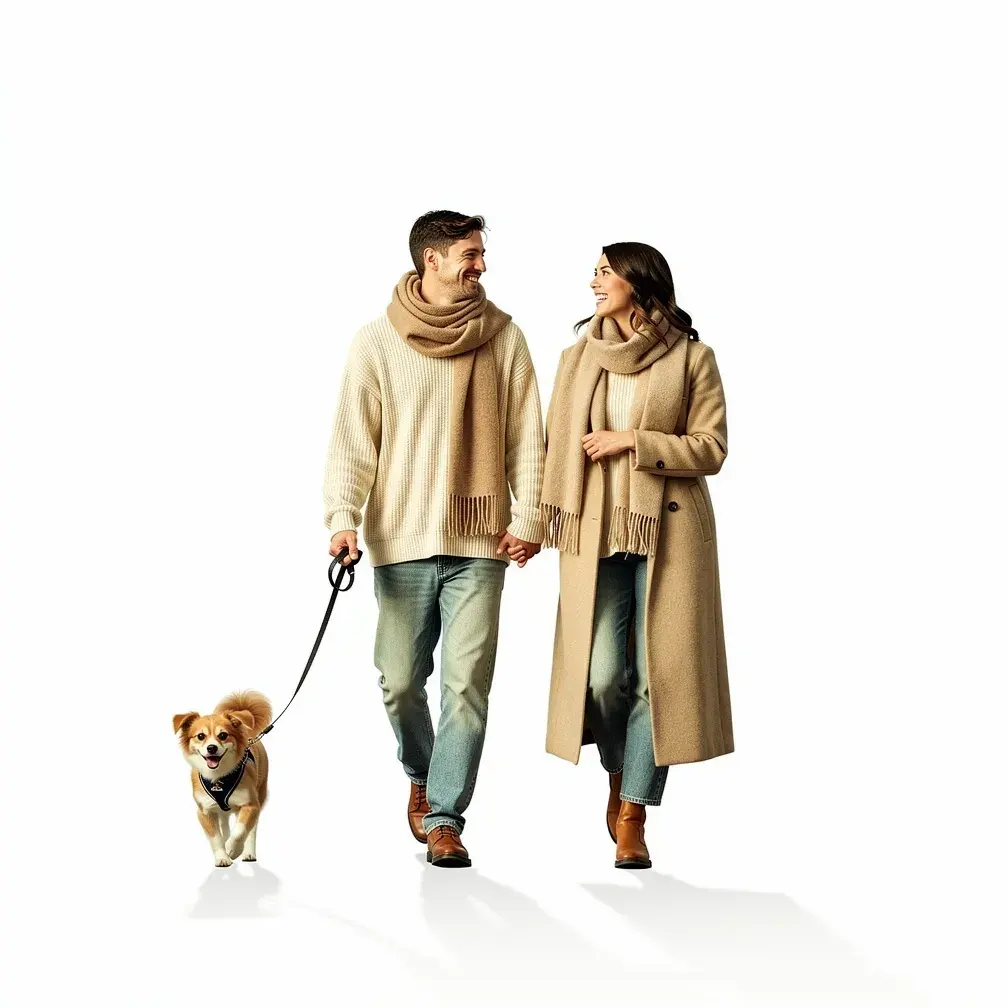
AI Background Editor
AI Background Editor uses your photo and description to explore a plain backdrop or a new setting. Check the subject and edges, which may also change.
 Visual inspiration
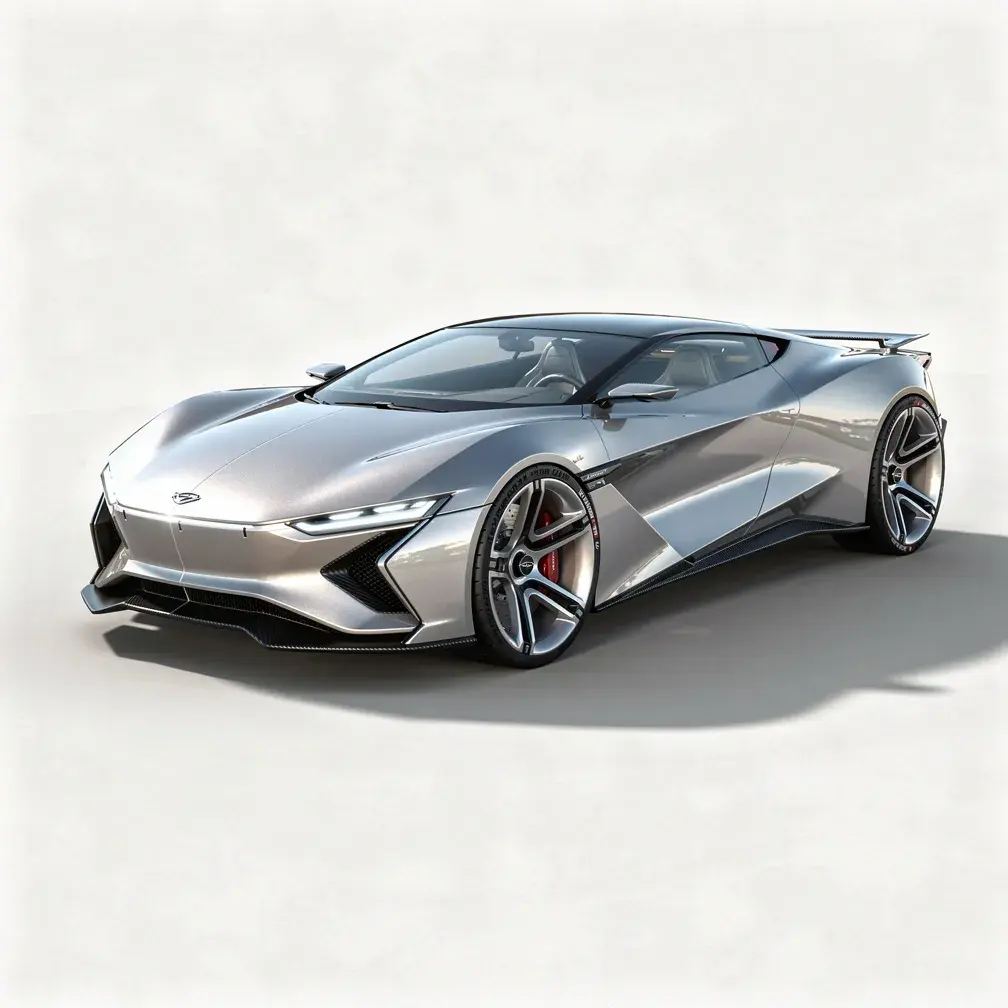
AI Background Remover
AI Background Remover isolates the main subject and creates a transparent PNG for portraits, product photos and new layouts.
 Visual inspiration
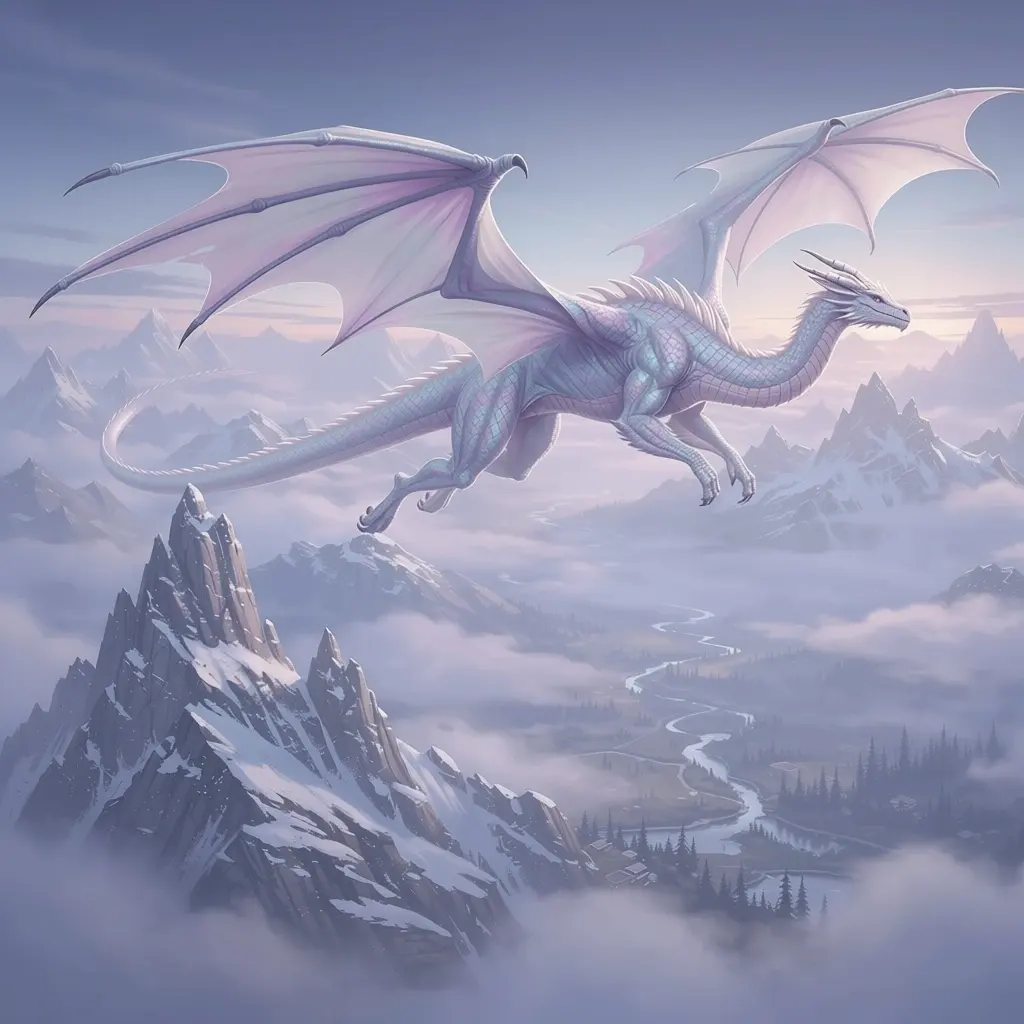
Sketch to Image AI
Sketch to Image AI gives a rough drawing a more developed visual form with imagined materials, color and lighting.
 Visual inspiration
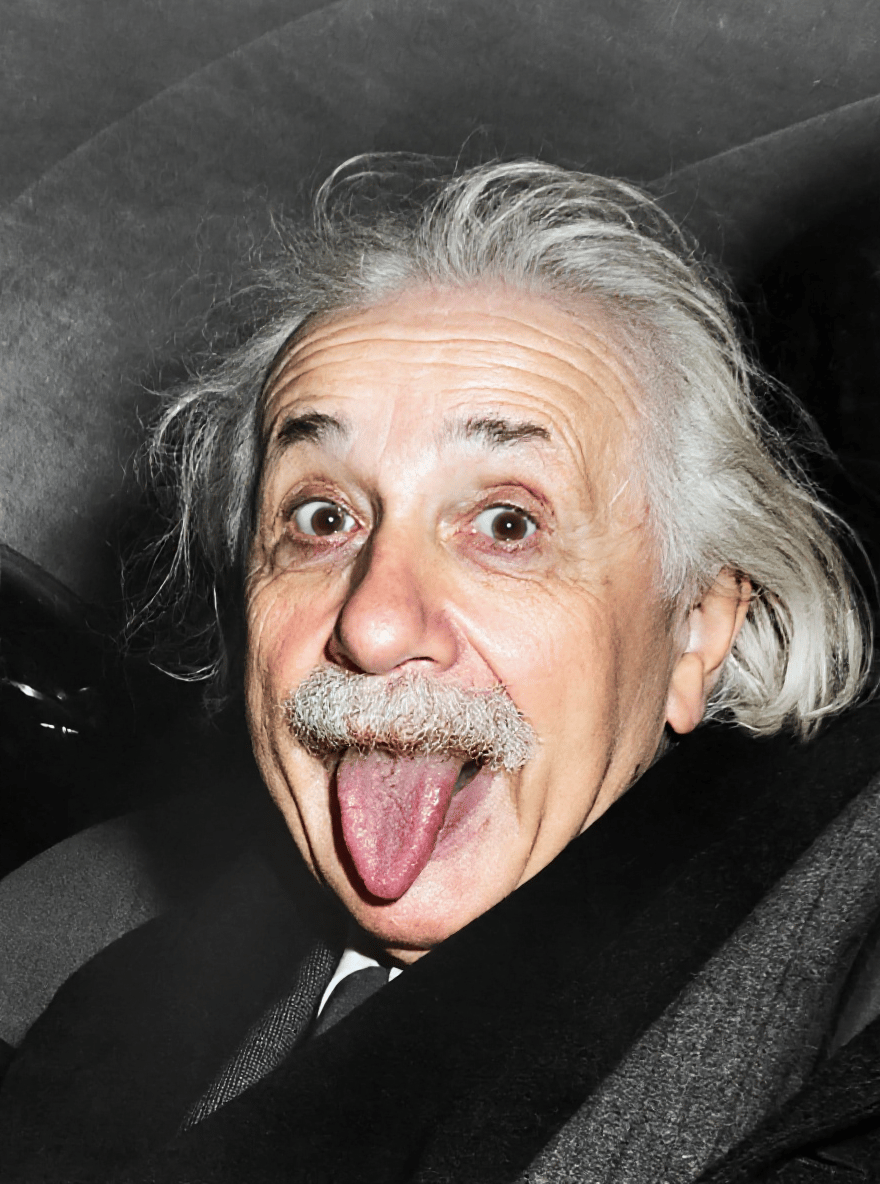
AI Object Remover
AI Object Remover uses your description to reimagine a photo without an unwanted object or distraction.
 Visual inspiration
AI Photo Colorizer
AI Photo Colorizer adds a plausible color interpretation to a black-and-white photograph.
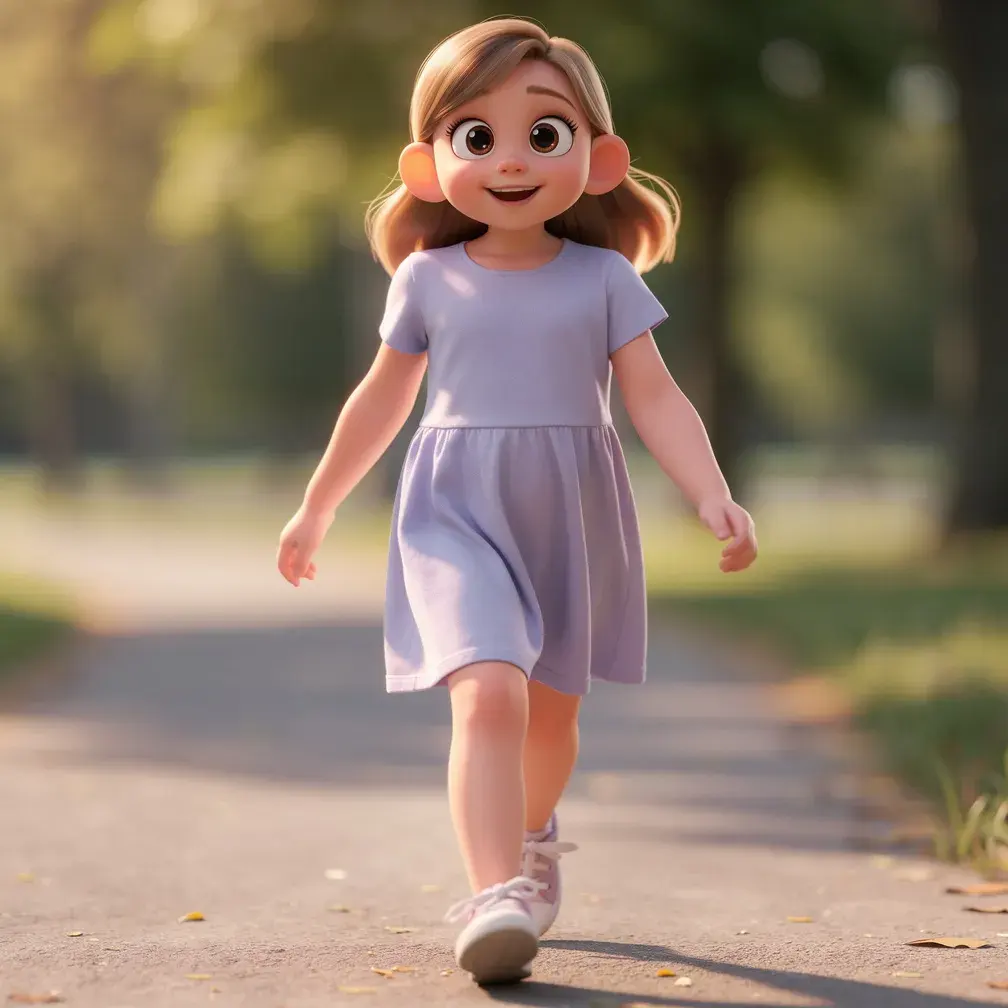
Visual inspirationPhoto to Storybook Anime
Photo to Storybook Anime reimagines a portrait or scene with gentle painted color, expressive drawing and a warm illustrated atmosphere.
 Visual inspiration
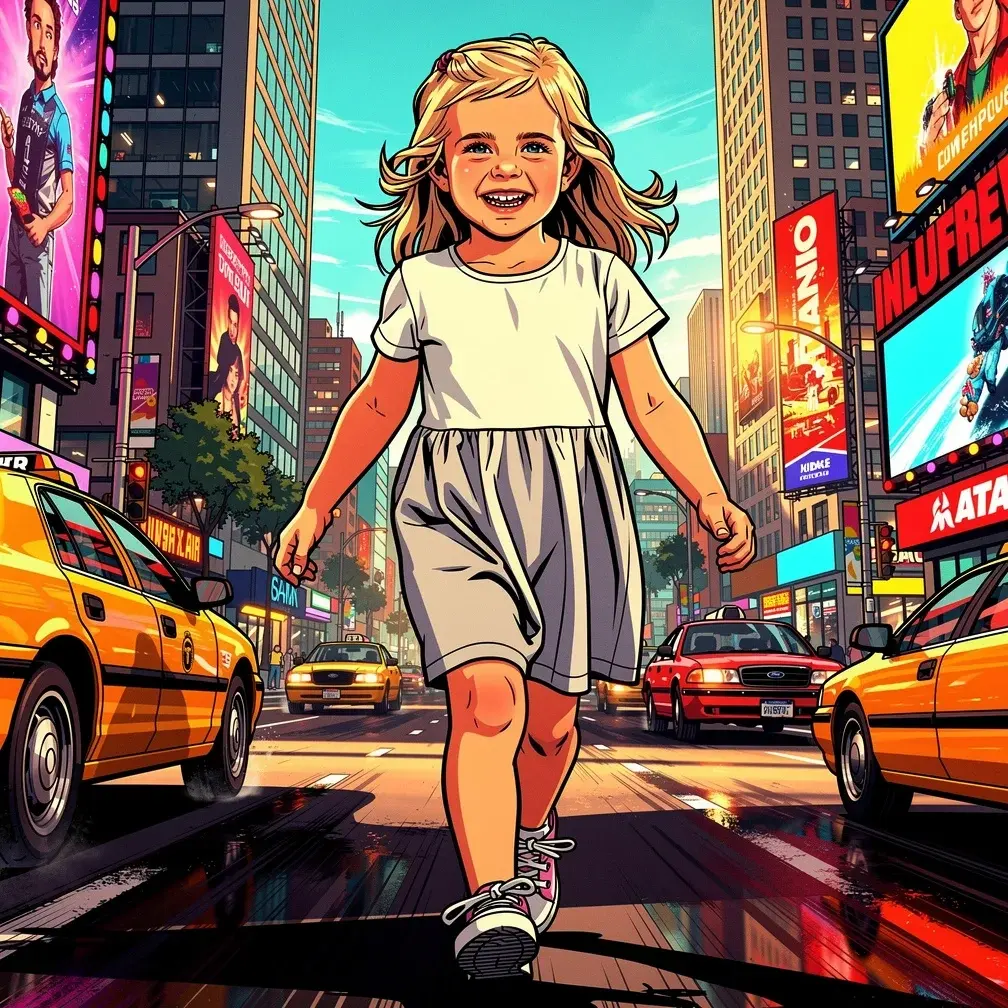
Photo to 3D Cartoon
Photo to 3D Cartoon turns a portrait into a character illustration with rounded forms, expressive eyes and soft lighting.
 Visual inspiration
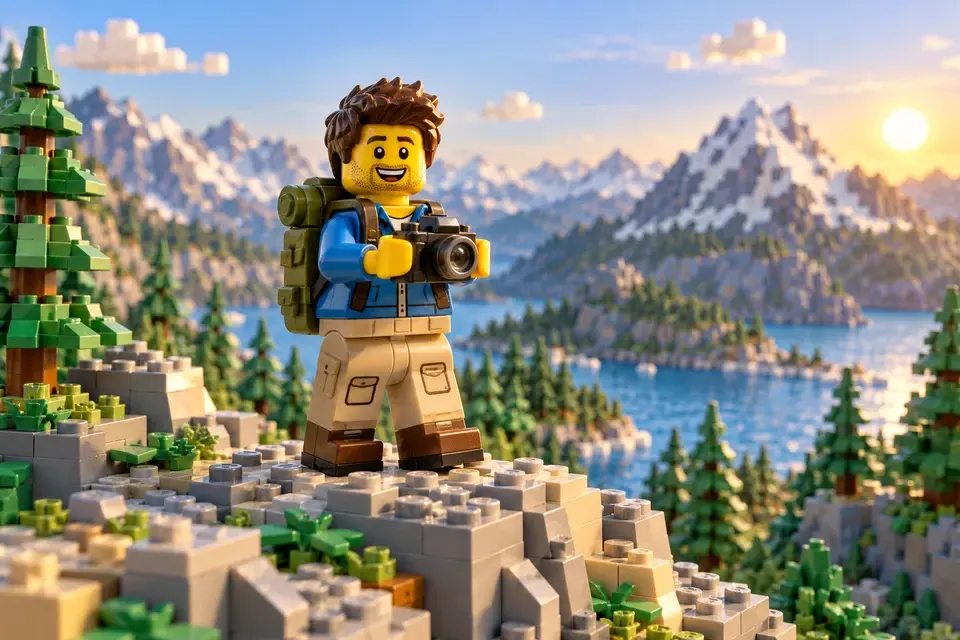
Photo to Comic
Photo to Comic reworks a strong pose or city scene into bold illustrated artwork with outlines, graphic shadows and dramatic color.
 Visual inspiration
Photo to Toy Bricks
Photo to Toy Bricks imagines a subject as a colorful character or scene built from block-like shapes.
 Visual inspiration
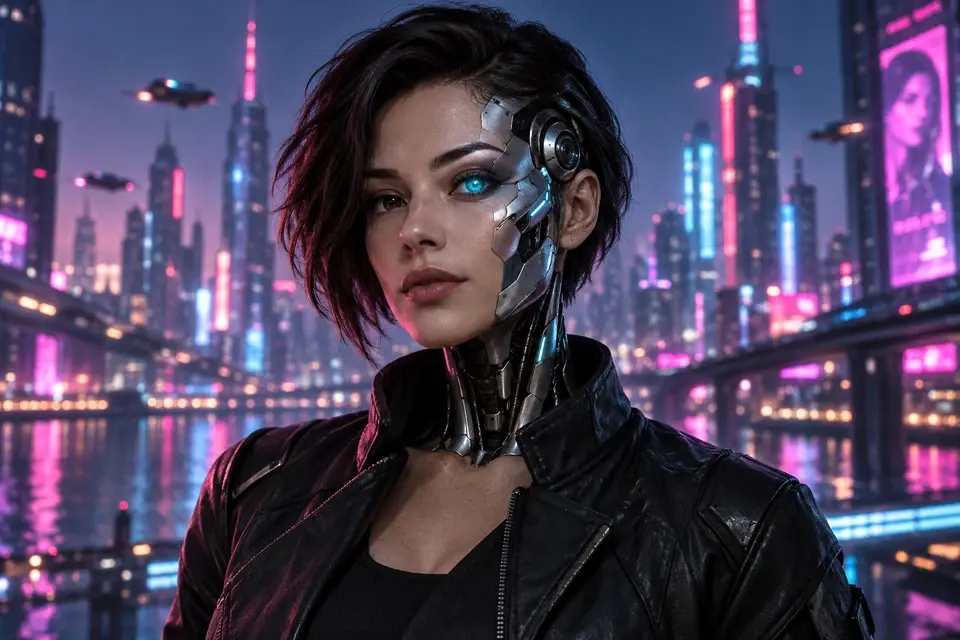
AI Cyborg Portrait
AI Cyborg Portrait gives a face a fictional futuristic treatment with mechanical accents, metallic surfaces or neon light.
 Visual inspiration
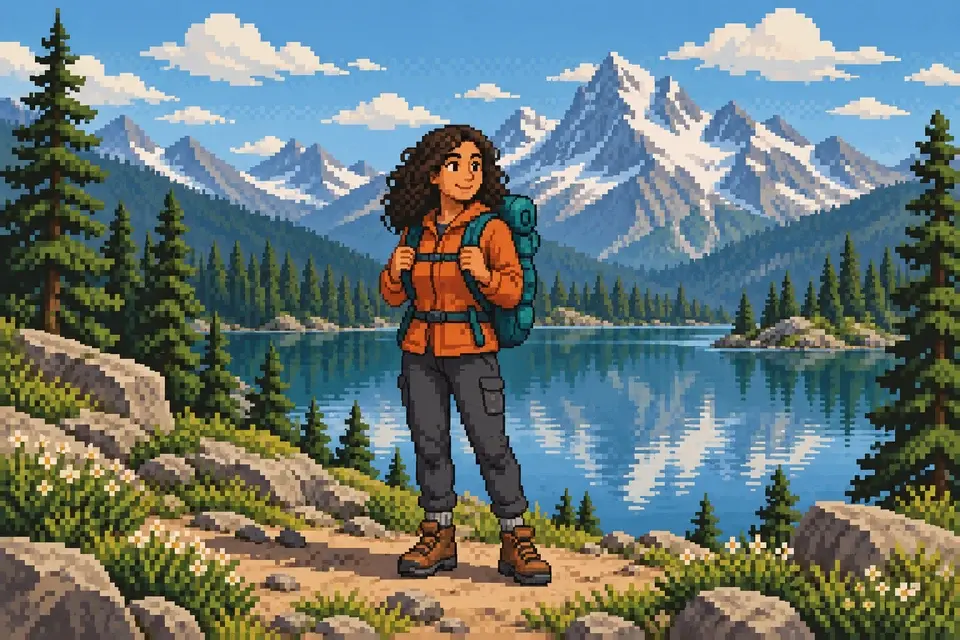
Photo to Pixel Art
Photo to Pixel Art reinterprets a photo through blocky shapes, a reduced palette and a nostalgic game mood.
 Visual inspiration
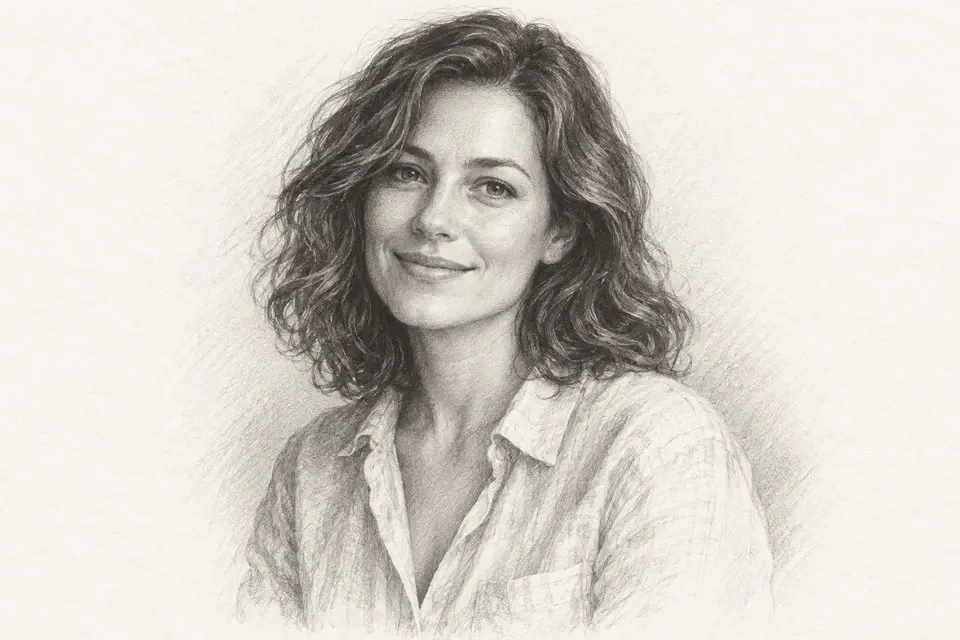
Photo to Pencil Sketch
Photo to Pencil Sketch interprets a photograph as a graphite-style drawing with shaded tones and visible linework.
 Visual inspiration
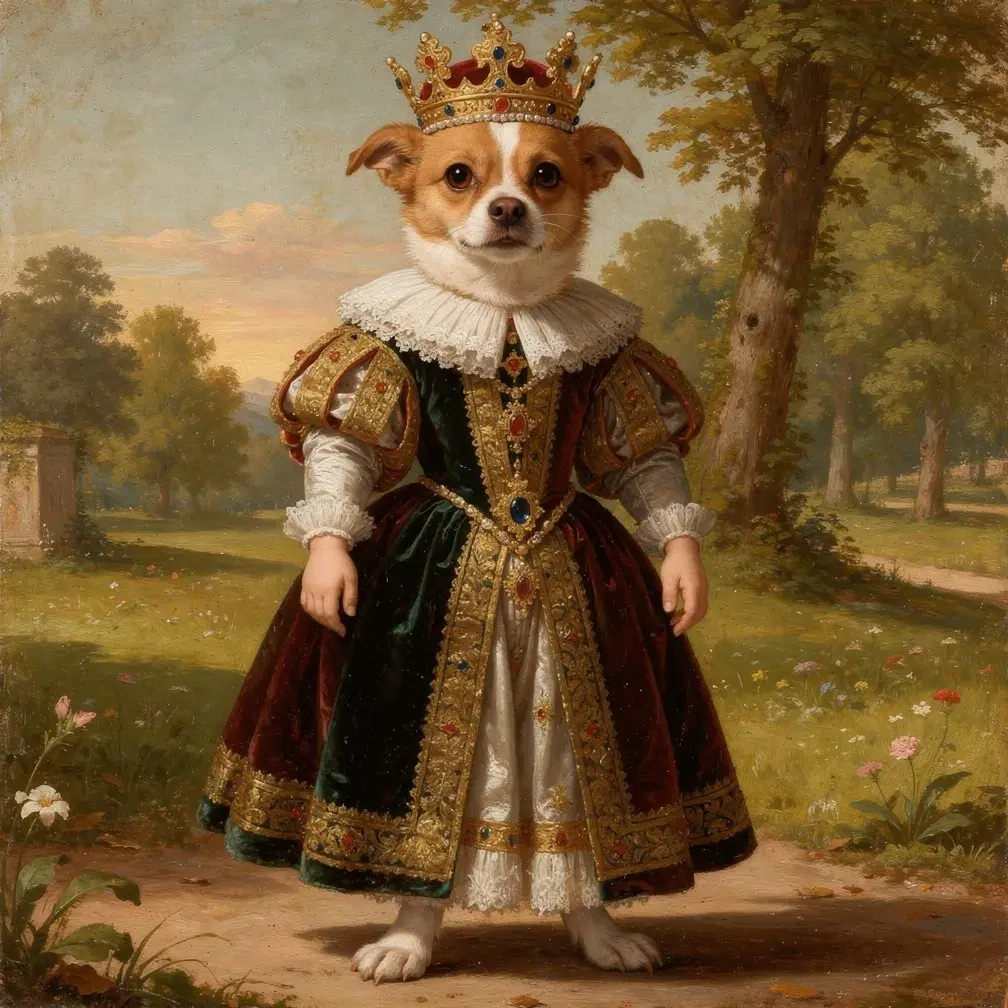
AI Pet Portrait
AI Pet Portrait reimagines a beloved animal as a royal painted character with rich fabric, decorative accessories and a classical setting.
 Visual inspiration
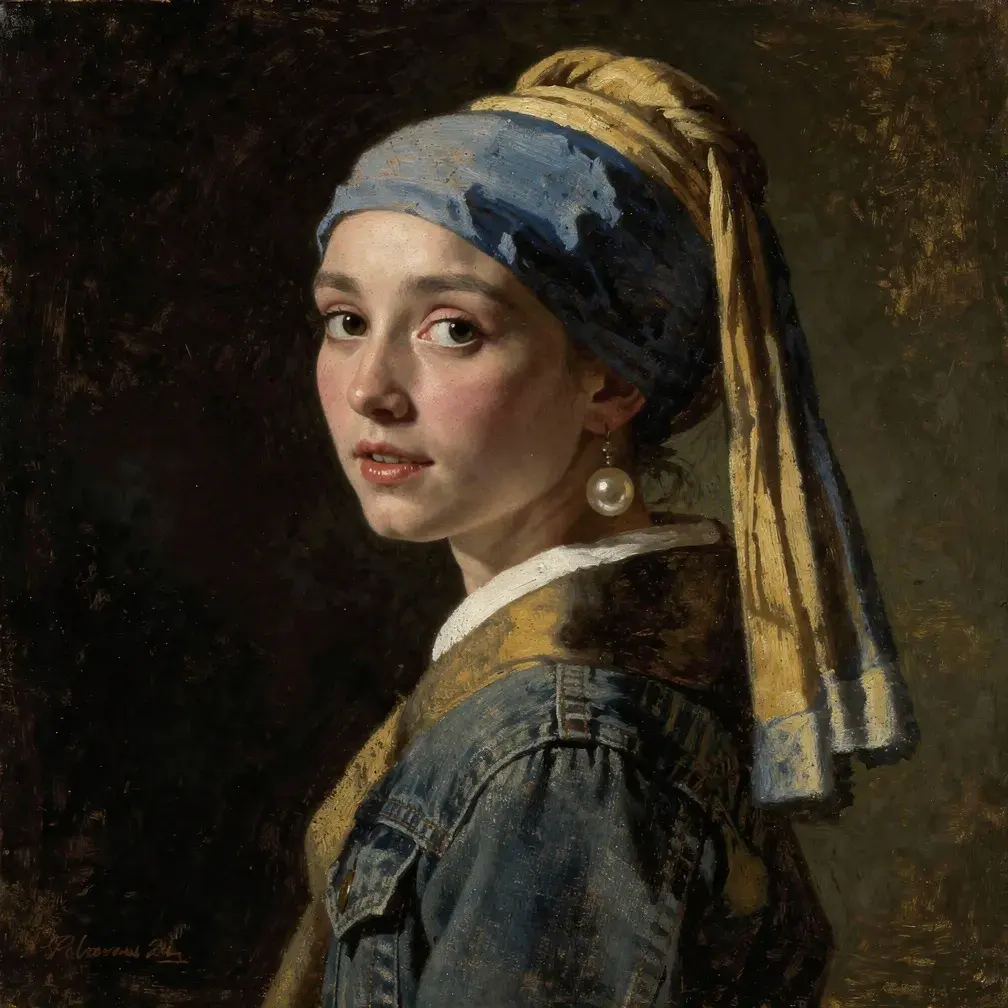
Photo to Classical Portrait
Photo to Classical Portrait gives a modern portrait the atmosphere of a painted study with soft side lighting, rich fabric and a dark backdrop.
 Visual inspiration
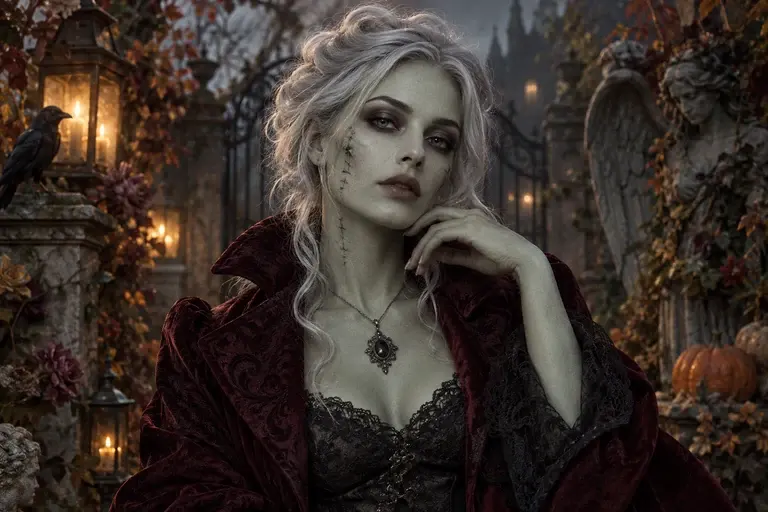
AI Zombie Portrait
AI Zombie Portrait turns an authorized portrait into a fictional Halloween character with eerie color and dramatic lighting.
 Visual inspiration
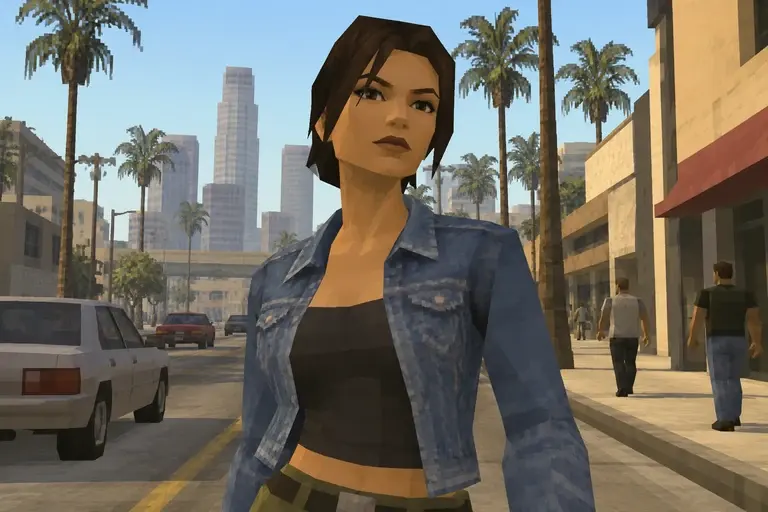
Photo to Retro Game
Photo to Retro Game gives a photograph an early-2000s game appearance with simplified polygon forms and textured surfaces.
 Visual inspiration
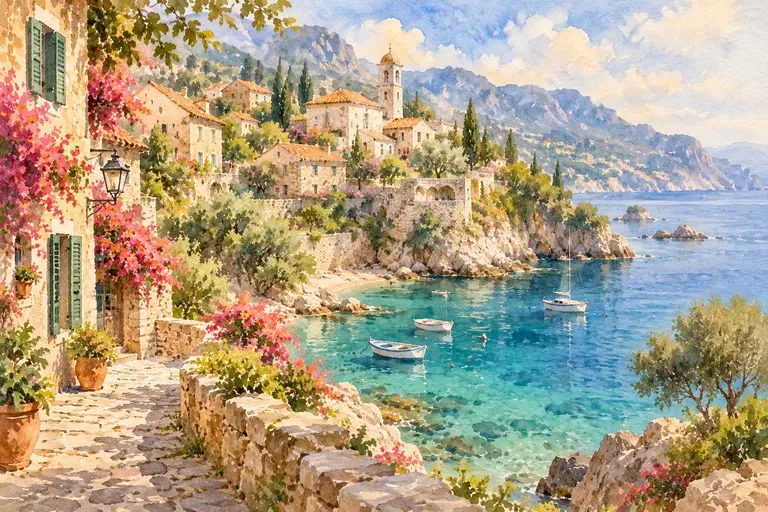
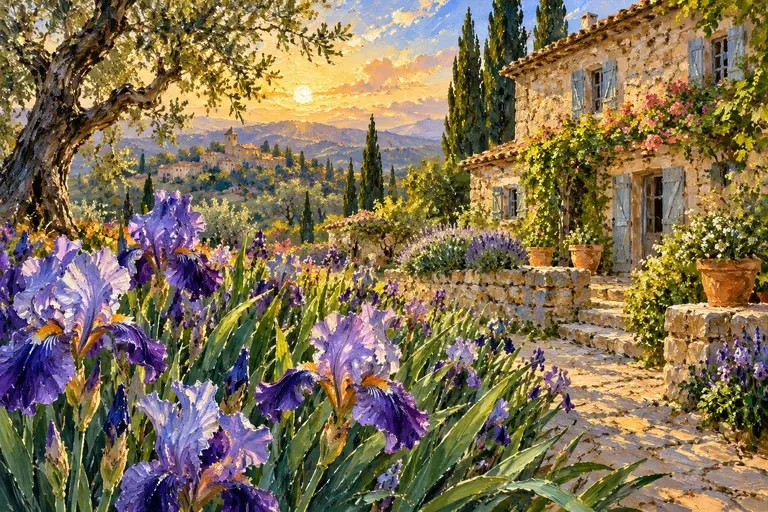
Photo to Watercolor
Photo to Watercolor turns a reference into a painted interpretation with translucent washes, loose edges and flowing color.
 Visual inspiration
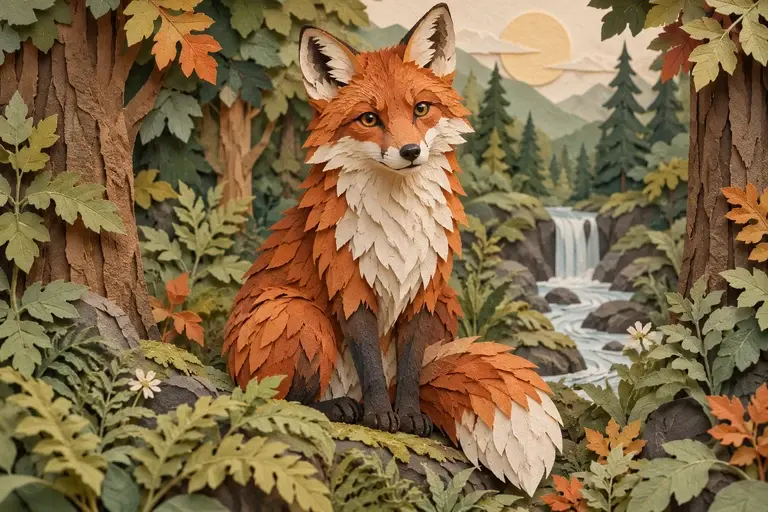
Photo to Oil Painting
Photo to Oil Painting reimagines a photo with rich color, expressive brushwork and a painted surface.
 Visual inspiration
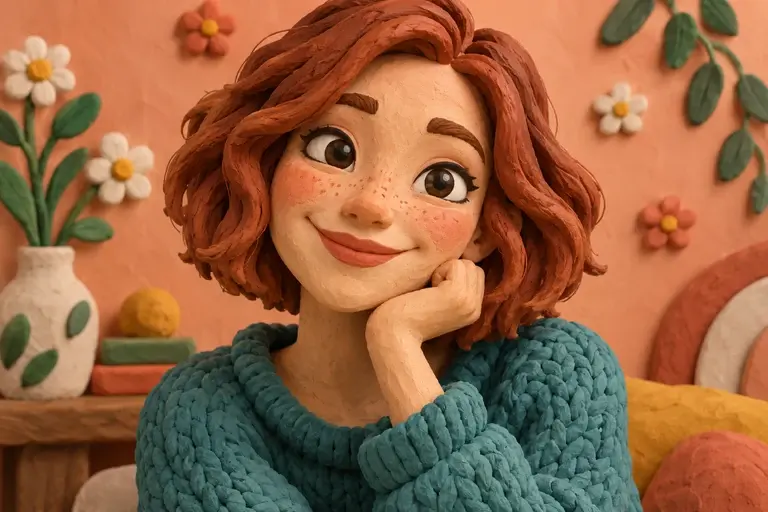
Photo to Papercraft
Photo to Papercraft imagines a scene as layers of cut paper with broad shapes and soft dimensional shadows.
 Visual inspiration
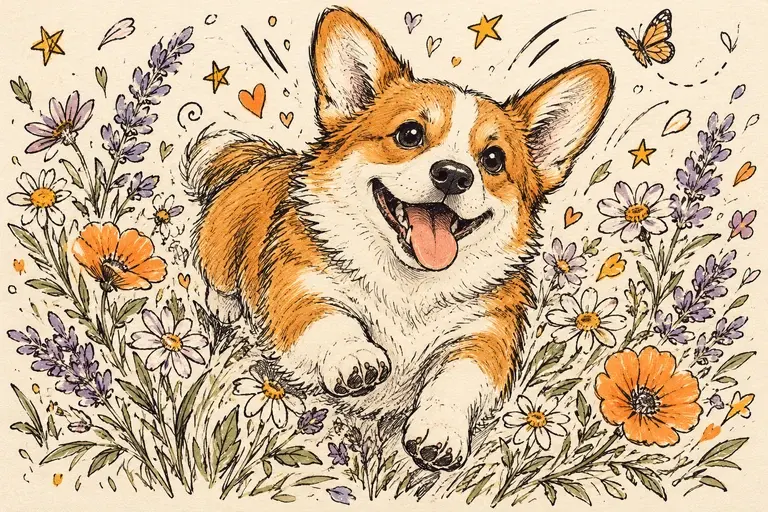
Photo to Clay
Photo to Clay imagines your subject as a modeling-clay character with rounded forms, handmade textures and a playful expression.
 Visual inspiration
Photo to Doodle
Photo to Doodle turns a subject into playful ink-like scribbles, loose outlines and simplified shapes.
 Visual inspiration
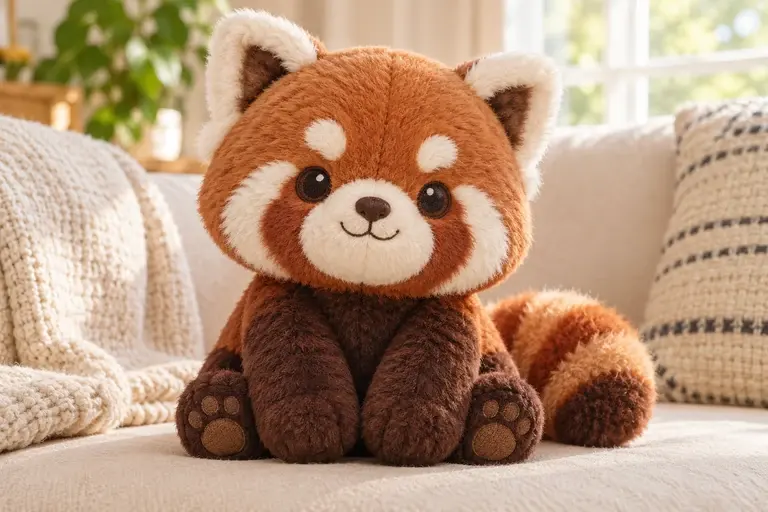
Photo to Plushie
Photo to Plushie reimagines a person, pet or object as a soft toy character with rounded proportions, fabric textures and stitched details.
Ideas for everyday creativity
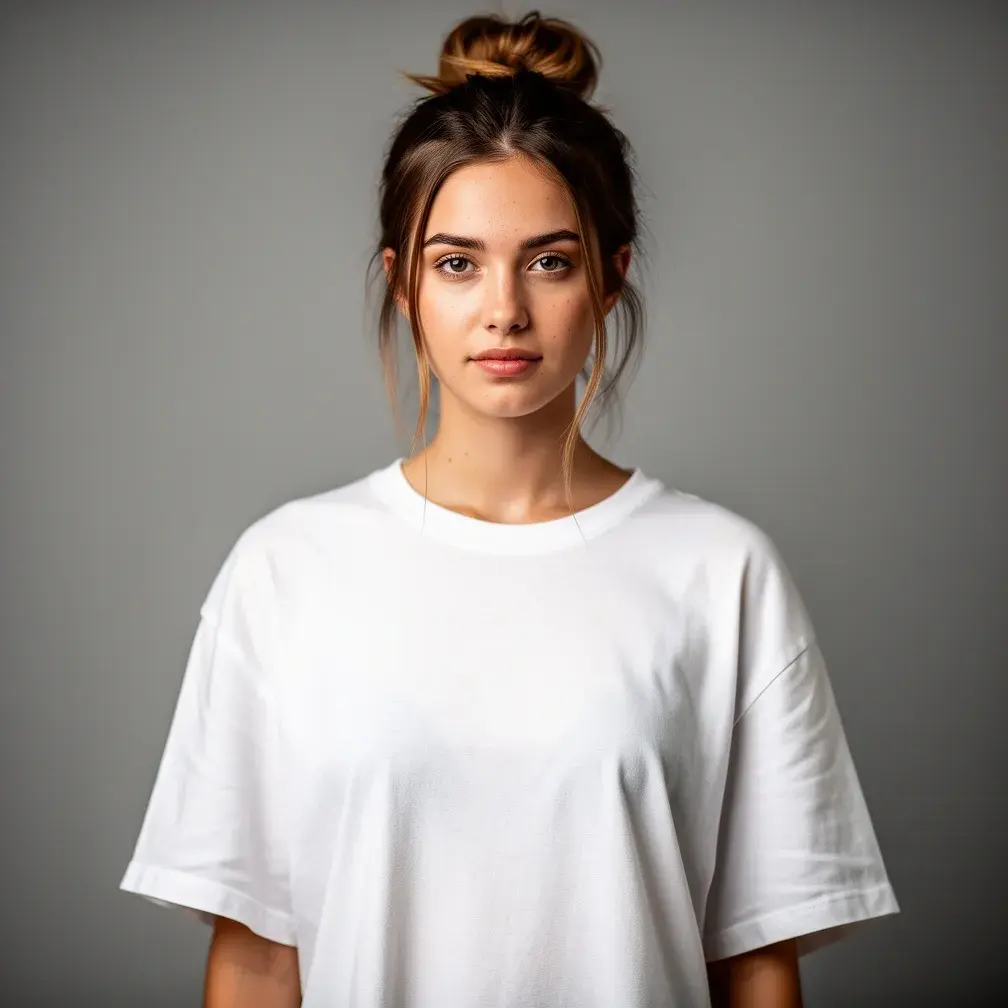
Choose what you want to create
 Visual inspiration
Create an image from text
Turn a written idea into a picture with Lavie AI Image Generator. Describe the subject, colors and atmosphere to illustrate a story, explore a poster idea or imagine a scene.
Create an imageVisual inspirationGive a photo a different look
Explore a portrait, an art style or a cleaner setting. Choose a focused photo tool and compare the interpretation with your original.
Choose a photo toolVisual inspirationTurn an idea into a short video
Create a short clip from text or a photo with Lavie AI Video Generator. Choose supported video settings and review the movement before keeping a clip.
Create a videoLooking for a starting point?
Explore styles and shared creations
Browse visual ideas and try an available description. Adjust the subject, setting and mood to make your next image your own.
Try a Style
Click to createFrom your idea to a result
Create, review and keep your result
- 01
Describe your idea or choose a photo
Write one clear scene or upload a photo you may edit. For video, describe the movement you want as well as the subject.
- 02
Choose the look you want
Choose a model and the size or video duration offered for it. The credit cost appears before you start, so you can decide what suits your idea.
- 03
Keep your favorite or try another idea
Download the result you like. Want a different mood, pose or movement? Adjust the description and create another variation.
How do I create an AI image from a text description?
Start with the main subject, what it is doing and where the scene takes place. Add a style, mood or lighting direction, such as a watercolor garden in soft morning light. Text-to-image creates the scene without a source photo. A focused description usually communicates your idea more clearly than several competing scenes.
Can I make an AI video from text or animate a photo?
Yes. The video generator offers text-to-video and image-to-video for supported models. Describe a short scene, including how the subject or camera should move. A photo can guide its starting appearance. Duration, resolution and audio vary by model; generated motion and details may differ from your description or reference.
How can I turn a photo into anime, a painting or a cartoon?
Choose an anime, painting or cartoon tool and start with a photo whose subject is easy to see. Explore watercolor for a softer mood, pencil sketch for drawn lines or a 3D cartoon for rounded characters. Each creates a new interpretation, so likeness, clothing and small background details can change.
Should I restore an old photo or enlarge a blurry image?
Choose restoration for a faded or damaged photo and the 2× upscaler when you want a larger image. Restoration reimagines worn details; upscaling doubles the original width and height. Reconstructed details may be inaccurate, so keep your source and compare the features that matter to you.
Can I remove an object or change a photo background precisely?
Use the background tools for a plain backdrop or new setting, and describe the unwanted object in the object remover. There is no object-selection brush, and edits can affect the whole image. Inspect hair, edges and reconstructed areas. Transparent output is not guaranteed; for precise retouching, use a photo editor with manual selection tools.
Will my face, product or reference photo stay exactly the same?
A reference guides the composition, but exact preservation is not guaranteed. Faces, product labels, proportions and small details can change in a generated variation. Describe the features you want to keep and compare them with your photo. If exact edits matter, choose a photo editor with manual controls.
Do I need an account, and how do credits or free trials work?
Sign in to generate images or videos. A Free account can use eligible gift credits and limited trials; current availability and the credit charge are checked before generation. Model options and limits may vary. Review the displayed cost before each request, including a new variation, and compare plans if you need more allowance.
Which photos can I upload, and how do I download a result?
Upload a clear PNG, JPEG or WebP photo up to 10 MB that you have permission to use. Once your result is ready, its download button saves the file; images download in their original generated format. Video choices depend on the selected model. Keep the source photo so you can compare or try a different variation.
Are my generated images and videos private?
Your results are private by default and are not published to the gallery automatically. Prompts and media are processed and stored to provide the service, including processing by external generation or review providers. Avoid sensitive personal information. Download files you want to keep because retention is limited; the privacy policy explains how your data is handled.
Can I use generated images or videos for commercial projects?
A paid subscription permits commercial use under the service terms, without guaranteeing copyright ownership or exclusive rights. You need permission for your inputs and intended use, including any people, brands or protected material involved. Review the result and applicable terms before publishing it in a campaign, product or client project.