Photo editing
Sketch to Image AI
Sketch to Image AI gives a rough drawing a more developed visual form with imagined materials, color and lighting.
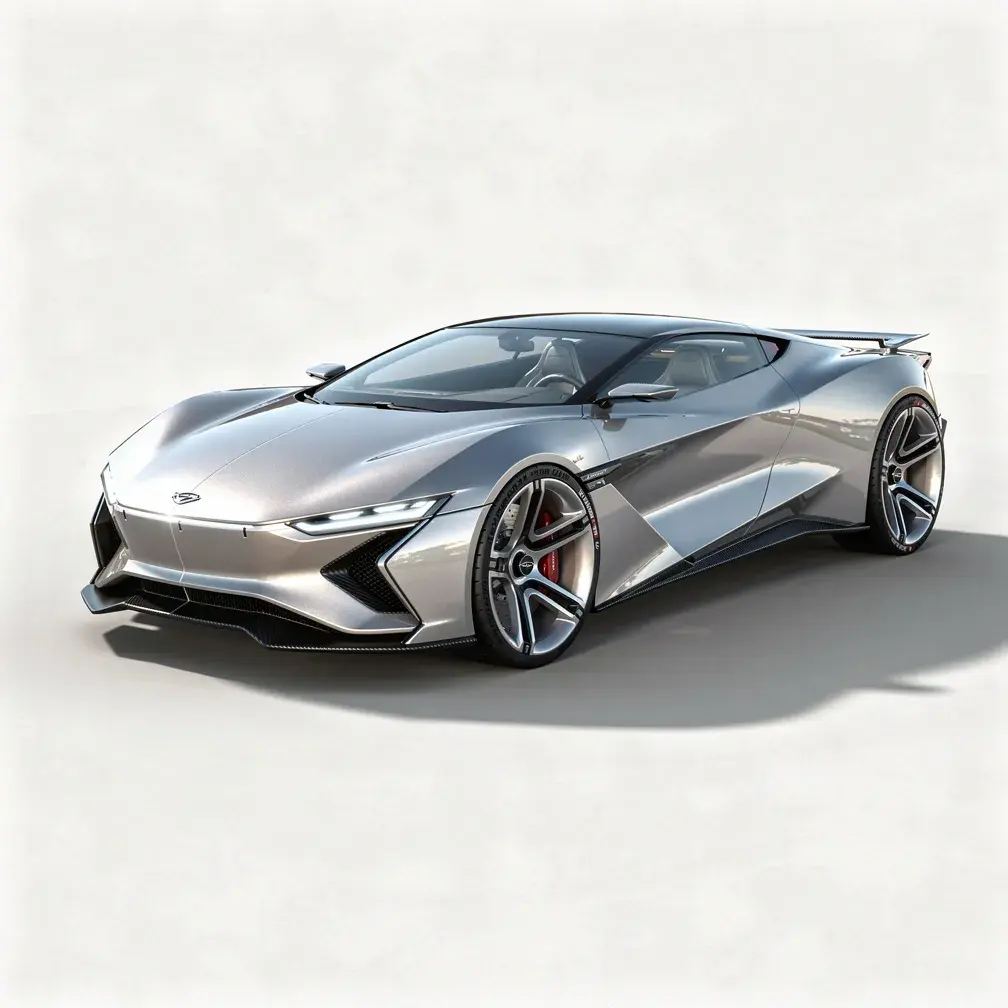
Compare the silhouette and perspective with your drawing. This creates a concept image, not a measured technical rendering.
PNG, JPEG or WebP, up to 10 MB.
Results are private by default. Only upload material you have permission to use.
Loading image models…
Follow the content rules and review your result before sharing. Acceptable Use Policy
Use your own image or try the sample input.
Sketch to Image AI
Sketch to Image AI gives a rough drawing a more developed visual form with imagined materials, color and lighting. Use your sketch to guide the composition while describing what the finished scene should look like. The result helps explore a concept; it is not a measured blueprint or construction reference.
Choose a useful starting image
Photograph the sketch in even light, crop the paper edges and use clear lines that establish the main shape.
Ideas for your next creation
- Explore how a product sketch might look in metal, fabric or wood before committing to a particular visual direction.
- Turn a rough room or landscape drawing into a concept image, comparing the main shapes and perspective with your original sketch.
How to use this tool
Choose a clear reference, sign in and upload your image.
Review the suggested description and adjust it when the tool allows editing.
Check the model, size and displayed credit cost, then generate.
Review the finished image at full size and download the result you want to keep.
Before sharing your result
Compare the silhouette and perspective with your drawing. This creates a concept image, not a measured technical rendering.
Questions before you start
How detailed should my sketch be for sketch-to-image conversion?
Clear outlines and a readable main shape matter more than polished shading. Crop stray paper edges and photograph evenly. Explain ambiguous objects in the description so the drawing and words guide the same concept.
Will the generated image follow my exact dimensions?
No. Proportions and perspective can change, and any measurements in the drawing may be interpreted incorrectly. Use the result for visual exploration; keep technical plans and measured specifications separate from the generated concept.
What photos can I upload?
The editing tools accept PNG, JPEG and WebP images up to 10 MB. A clear source image with a visible subject is a useful starting point. Upload only photos you own or have permission to edit, and keep your original file.
Can I use these image tools for free?
Sign in to generate images or videos. A Free account can use eligible gift credits and limited trials; the credit charge and current allowance are checked before generation.
What does the example artwork show?
The artwork shows a creative direction. It is visual inspiration, not a promise of the result from your own photo.