Photo editing
AI Object Remover
AI Object Remover uses your description to reimagine a photo without an unwanted object or distraction.
Whole-image editing can change other details. Check the reconstructed area; this tool has no brush or precise selection mask.
PNG, JPEG or WebP, up to 10 MB.
Results are private by default. Only upload material you have permission to use.
Loading image models…
Follow the content rules and review your result before sharing. Acceptable Use Policy
Use your own image or try the sample input.
AI Object Remover
AI Object Remover uses your description to reimagine a photo without an unwanted object or distraction. Explain what should disappear and where it sits, then compare the result with your original. Editing can affect the whole scene, making this useful for creative cleanup rather than exact retouching.
Choose a useful starting image
Describe exactly what to remove and where it is. Use an image you own or have permission to edit.
Ideas for your next creation
- Reduce a distracting object in a personal travel photograph, then check that the scene and people still look appropriate.
- Explore a simpler still-life composition by describing one item to remove from an image you own or have permission to edit.
How to use this tool
Choose a clear reference, sign in and upload your image.
Review the suggested description and adjust it when the tool allows editing.
Check the model, size and displayed credit cost, then generate.
Review the finished image at full size and download the result you want to keep.
Before sharing your result
Whole-image editing can change other details. Check the reconstructed area; this tool has no brush or precise selection mask.
Questions before you start
How do I tell the AI object remover what to remove?
Describe the object, its location and what should remain. For example, identify a bottle on the left table. There is no selection brush, so a precise description helps distinguish your target from nearby objects.
Can it preserve everything outside the unwanted object?
That is not guaranteed. The whole image may change, including faces, textures and lettering. Compare important details with the source and inspect the reconstructed area for repeated patterns or implausible shadows before using it.
What photos can I upload?
The editing tools accept PNG, JPEG and WebP images up to 10 MB. A clear source image with a visible subject is a useful starting point. Upload only photos you own or have permission to edit, and keep your original file.
Can I use these image tools for free?
Sign in to generate images or videos. A Free account can use eligible gift credits and limited trials; the credit charge and current allowance are checked before generation.
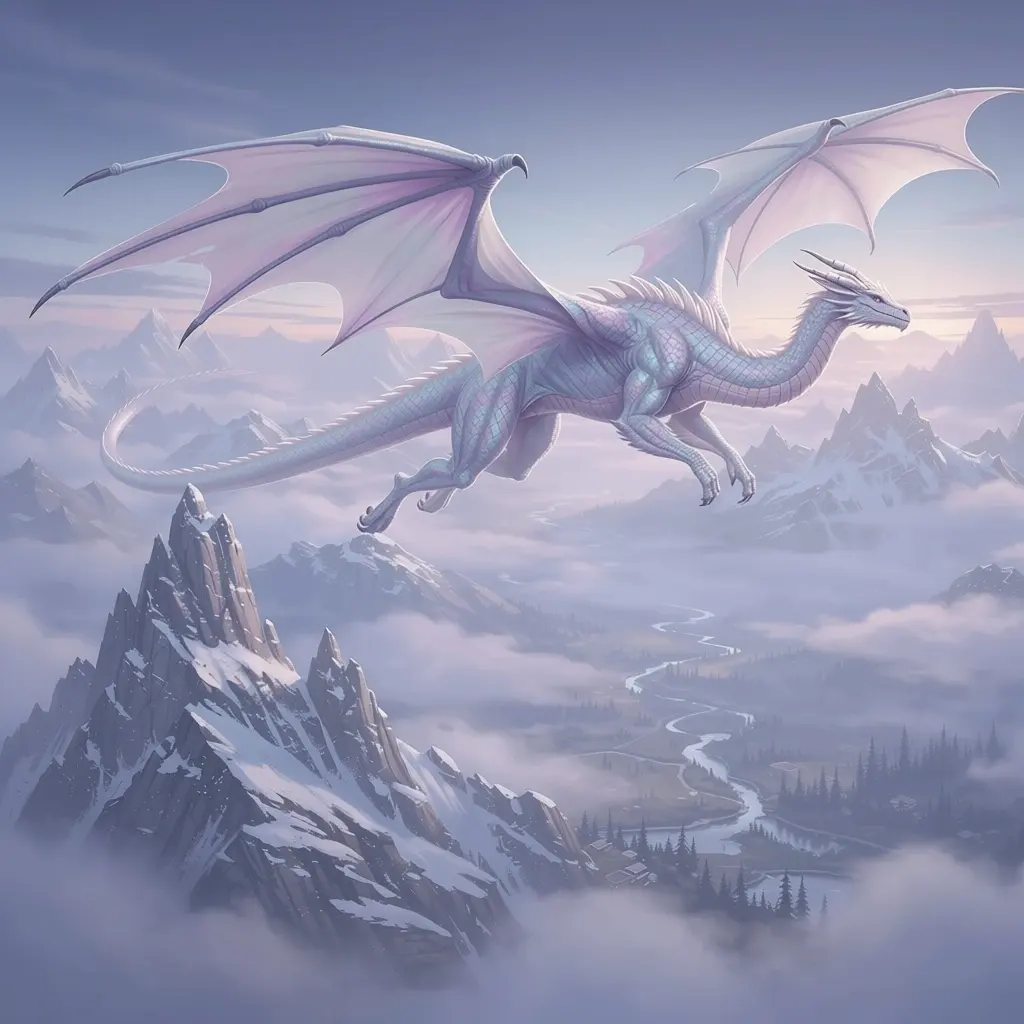
What does the example artwork show?
The artwork shows a creative direction. It is visual inspiration, not a promise of the result from your own photo.