Restore & enhance
AI Photo Colorizer
AI Photo Colorizer adds a plausible color interpretation to a black-and-white photograph.
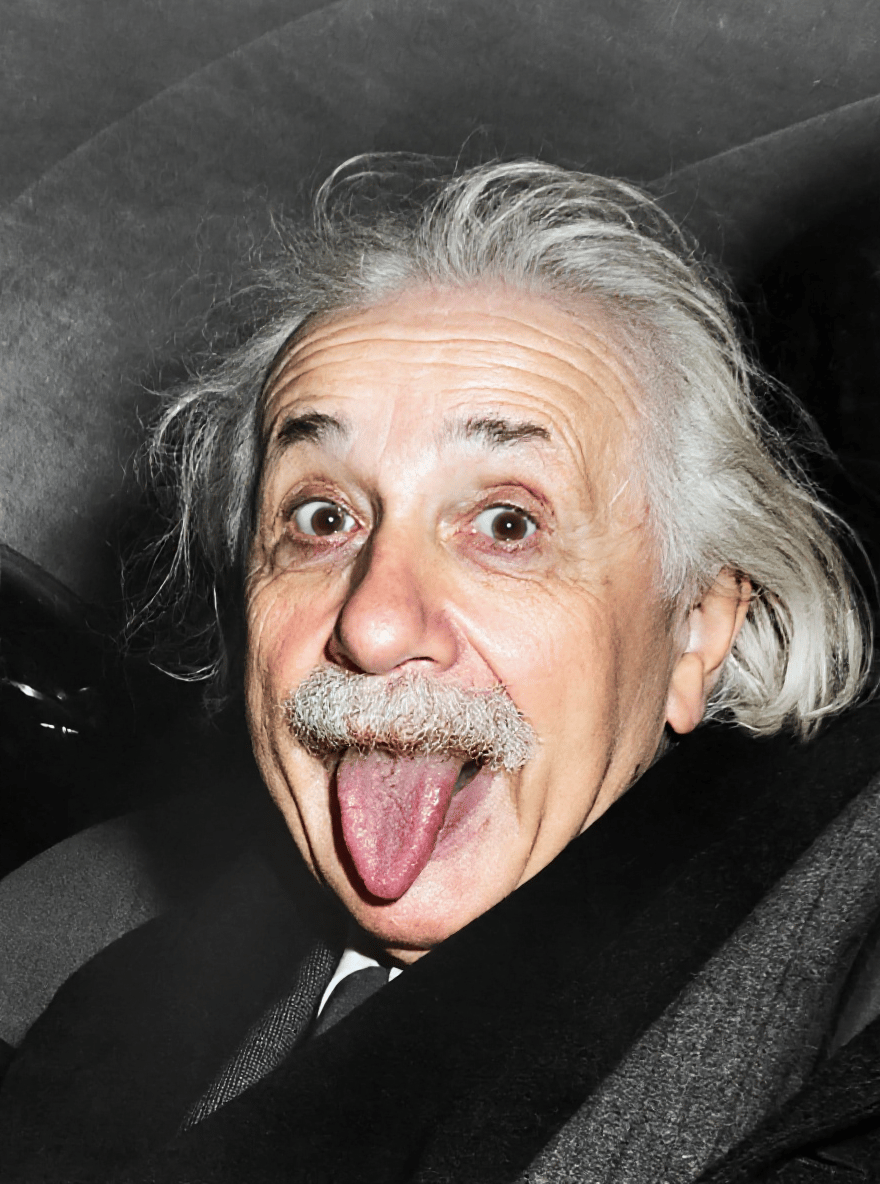
Skin, clothing and scenery colors are inferred. They are not evidence of the original colors or a historically exact restoration.
PNG, JPEG or WebP, up to 10 MB.
Results are private by default. Only upload material you have permission to use.
Loading image models…
Follow the content rules and review your result before sharing. Acceptable Use Policy
Use your own image or try the sample input.
AI Photo Colorizer
AI Photo Colorizer adds a plausible color interpretation to a black-and-white photograph. Explore a warmer view of a family scene, portrait or landscape while keeping the original scan as your archive copy. Colors are estimated from visible clues; the result cannot establish the true colors of the historical scene.
Choose a useful starting image
Use a clear scan without tinted filters. Colorize a copy and preserve the untouched black and white original.
Ideas for your next creation
- Create a color interpretation of a family album photo for a conversation about memories, keeping the untouched scan alongside it.
- Explore how a monochrome street scene might look in color, distinguishing generated choices from any colors documented by reliable references.
How to use this tool
Choose a clear reference, sign in and upload your image.
Check the model, size and displayed credit cost, then generate.
Review the finished image at full size and download the result you want to keep.
Before sharing your result
Skin, clothing and scenery colors are inferred. They are not evidence of the original colors or a historically exact restoration.
Questions before you start
Does an AI photo colorizer recover the original colors?
No. Clothing, skin, buildings and scenery receive plausible inferred colors. A convincing result is not historical evidence. Label the colorized version as an interpretation when sharing it in a family archive or historical project.
What if I know the clothing was a different color?
Check the result against your references. Keep the original and document the known color separately. If the generated choice is misleading, use an editor for a controlled correction instead of treating the automatic colorization as fact.
What photos can I upload?
The editing tools accept PNG, JPEG and WebP images up to 10 MB. A clear source image with a visible subject is a useful starting point. Upload only photos you own or have permission to edit, and keep your original file.
Can I use these image tools for free?
Sign in to generate images or videos. A Free account can use eligible gift credits and limited trials; the credit charge and current allowance are checked before generation.
What does the example artwork show?
The artwork shows a creative direction. It is visual inspiration, not a promise of the result from your own photo.